Syndication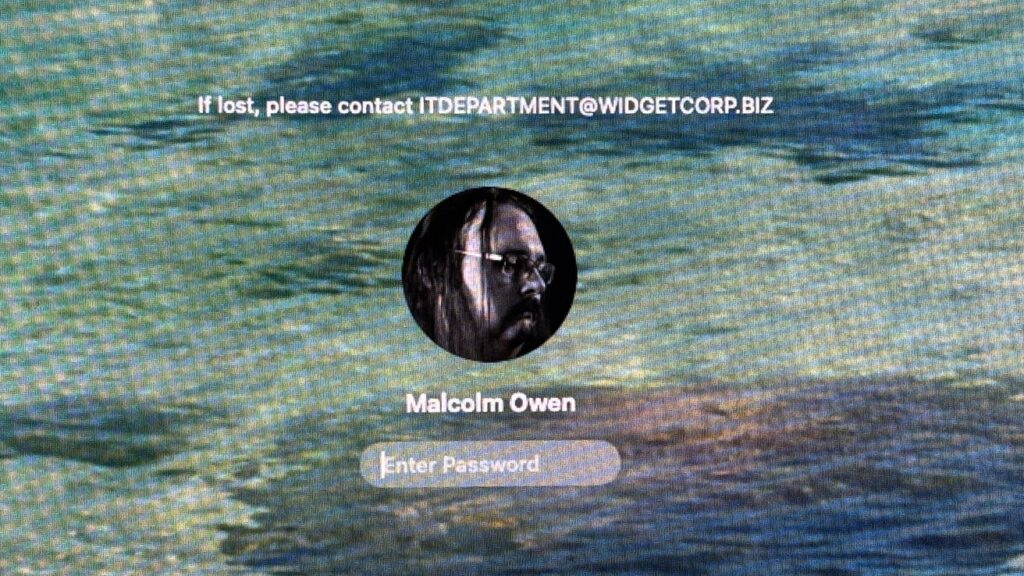

You can set a message to appear onscreen when people log into your Mac. Here’s how to set it up, as well as how to remove it.

An example of a Lock Screen message
The screen you see when you power on a Mac asks you to log in. However, while people will be familiar with fields like your name, your profile image, and a password entry box, there’s another thing you can change on the screen beyond the wallpaper.
You can set a message to appear on the Lock Screen of macOS. Here’s what you can do with this long-time and oddly useful feature.
Continue Reading on AppleInsider | Discuss on our Forums
Author

About The Author