Syndication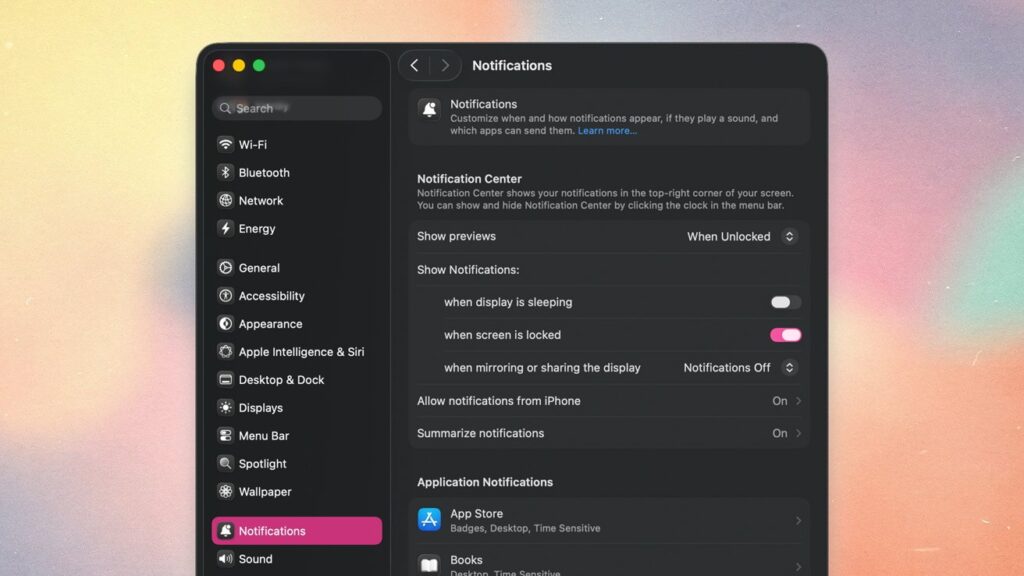

If your Mac’s alerts are becoming a distraction, macOS Tahoe 26 includes simple settings that let you fine-tune how and when notifications appear.

How to manage notifications on macOS Tahoe
If you’re like the rest of us, chances are you’re getting a little tired of constant notifications from your devices. While this mostly happens on iPhone, you still can get quite a few notifications on Mac.
There aren’t too many settings to change on Mac, but there are a few you should be aware of. Here’s how you can customize your notification preferences.
Continue Reading on AppleInsider | Discuss on our Forums
Author

About The Author